
Consent is now a legal posture
Children's biometric and image data sits squarely inside modern privacy law. A single missed consent isn't an oversight any more - it's a notifiable issue.
On-device photo consent screening
FaceGate screens your photos against an enrolled consent list - entirely on the device - so schools and childcare centres can publish with confidence. No cloud. No third parties. No surprises.
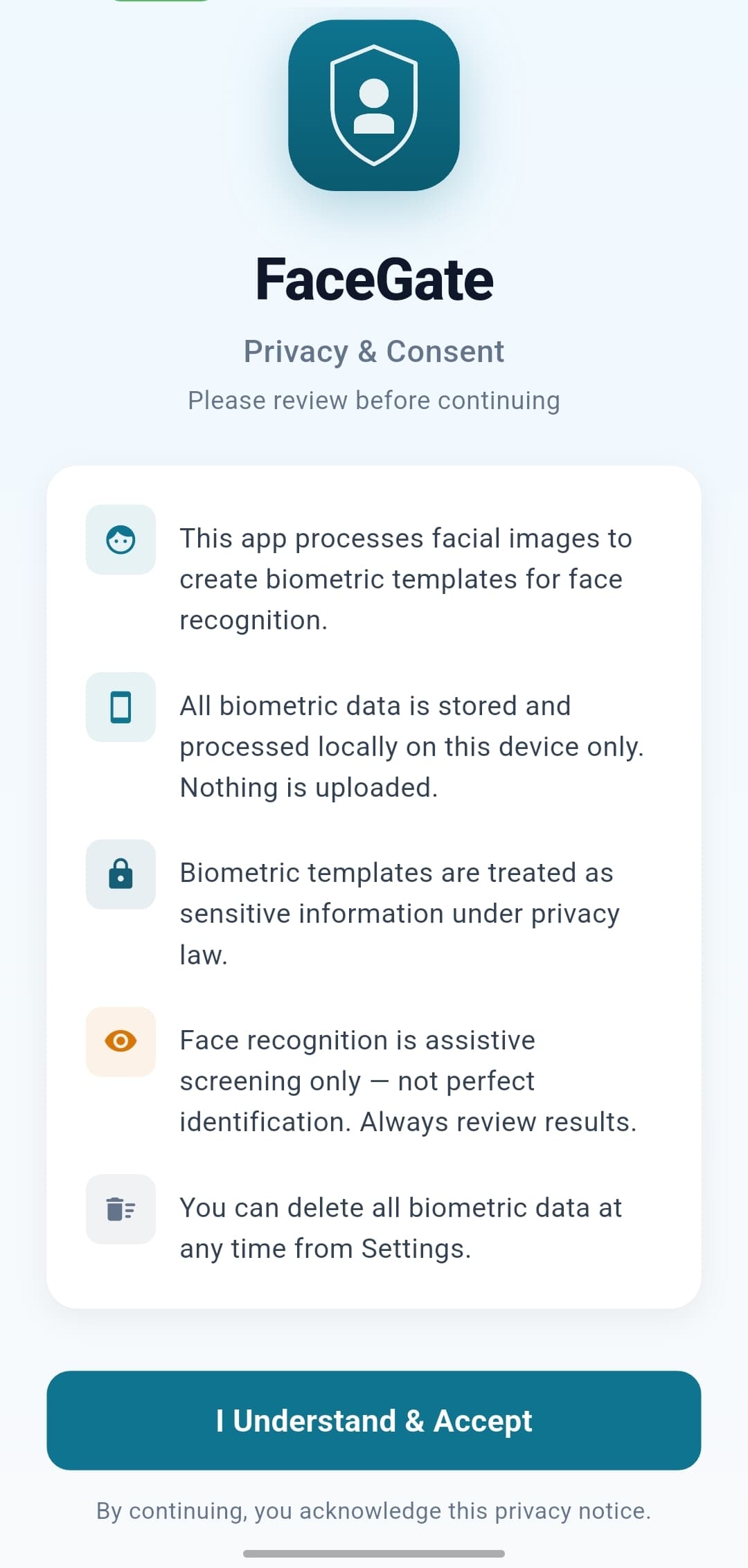
01 / 05·Consent gate
Explicit opt-in before a single frame is scanned.
Slide 1 of 5: Consent gate. Explicit opt-in before a single frame is scanned.
Why this matters
Children's biometric and image data sits squarely inside modern privacy law. A single missed consent isn't an oversight any more - it's a notifiable issue.
A sports day or production can produce hundreds of photos in an afternoon. Eyeballing each one for non-consenting faces is slow, tiring, and error-prone.
Most off-the-shelf face recognition uploads photos to a vendor's servers. Using one means sending children's faces to a third party to solve a privacy problem.
The risk isn’t a bad photo getting through - it’s not knowing you let one through.
The solution
Faces never leave the device. No cloud. No third parties.
Tag people as Include or Exclude. The app handles the rest.
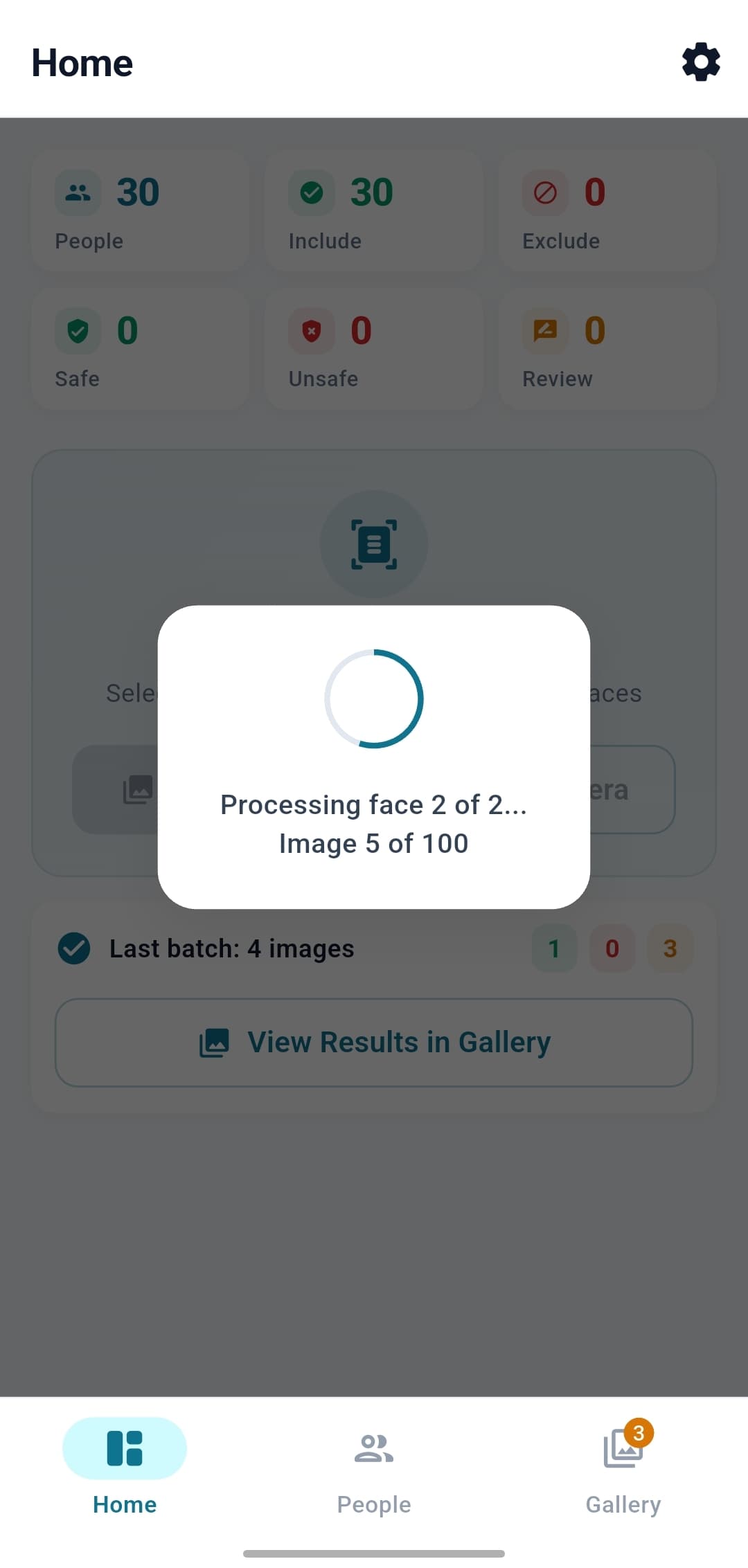
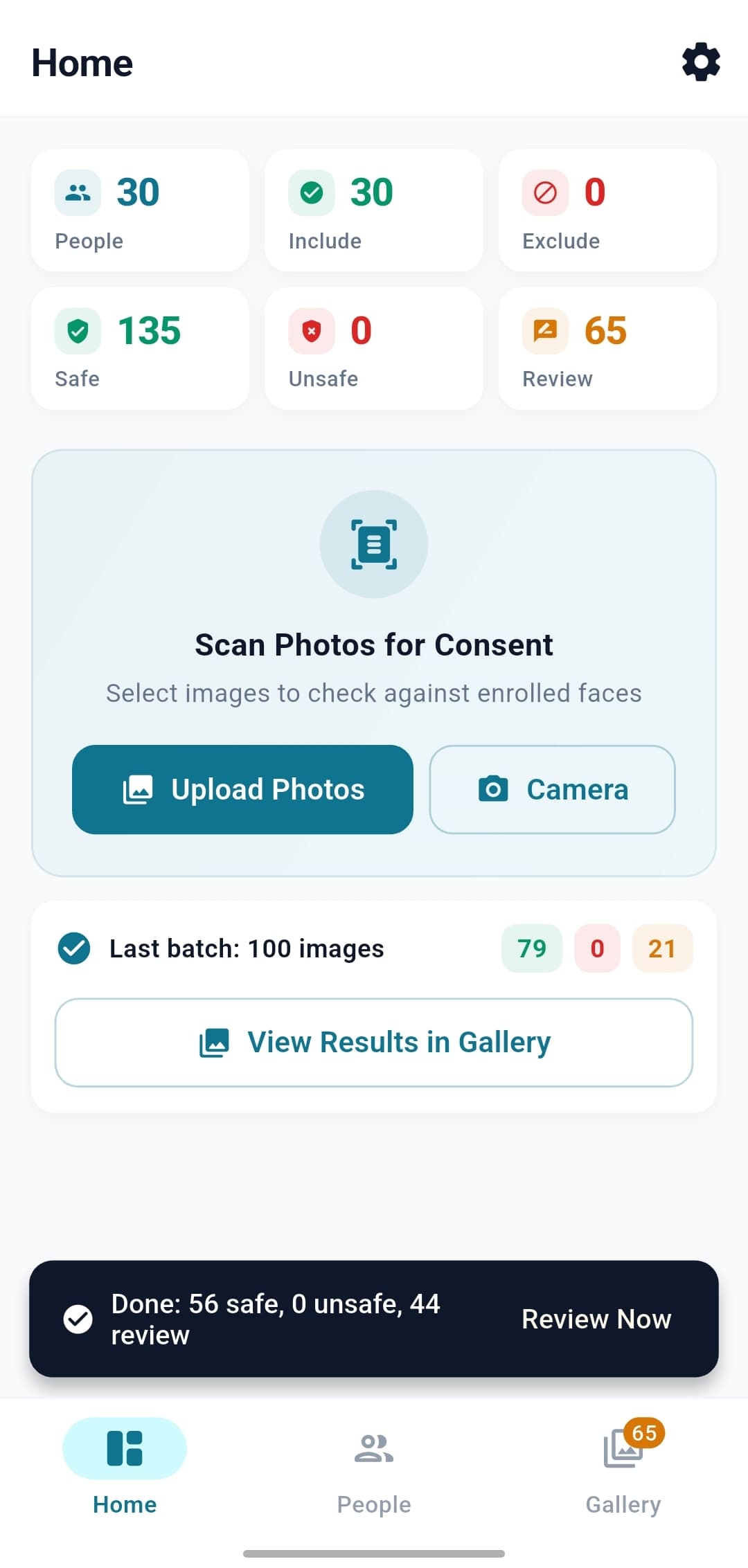
Scans dozens of photos and gives you a verdict per image.
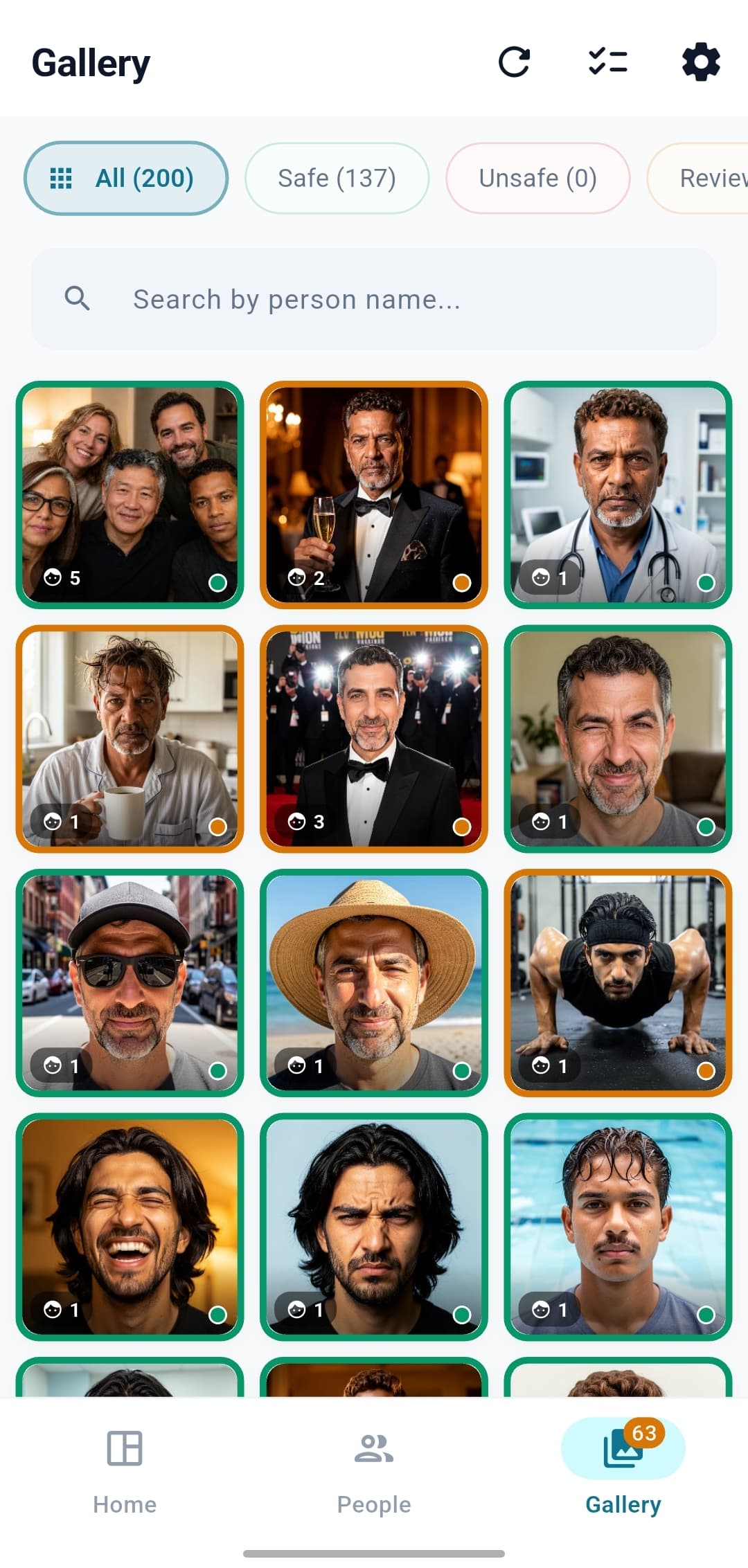
Cover faces with a blur or emoji, export, done. Full audit trail.
Built so you can replace manual review with a structured, auditable workflow.
Try it
Three illustrated photos, three enrolled people. Toggle Include ↔ Exclude and watch the verdict shift - the same rules the app applies on-device: any Exclude face → Unsafe; any unknown face → Review; otherwise Safe.
Toggling consent here changes the verdict only - not the photo. In the real app, redaction (a blur or emoji overlay) is a separate operator step after the verdict.

1 face
SafeWhy? All faces are on the consent list as Include.
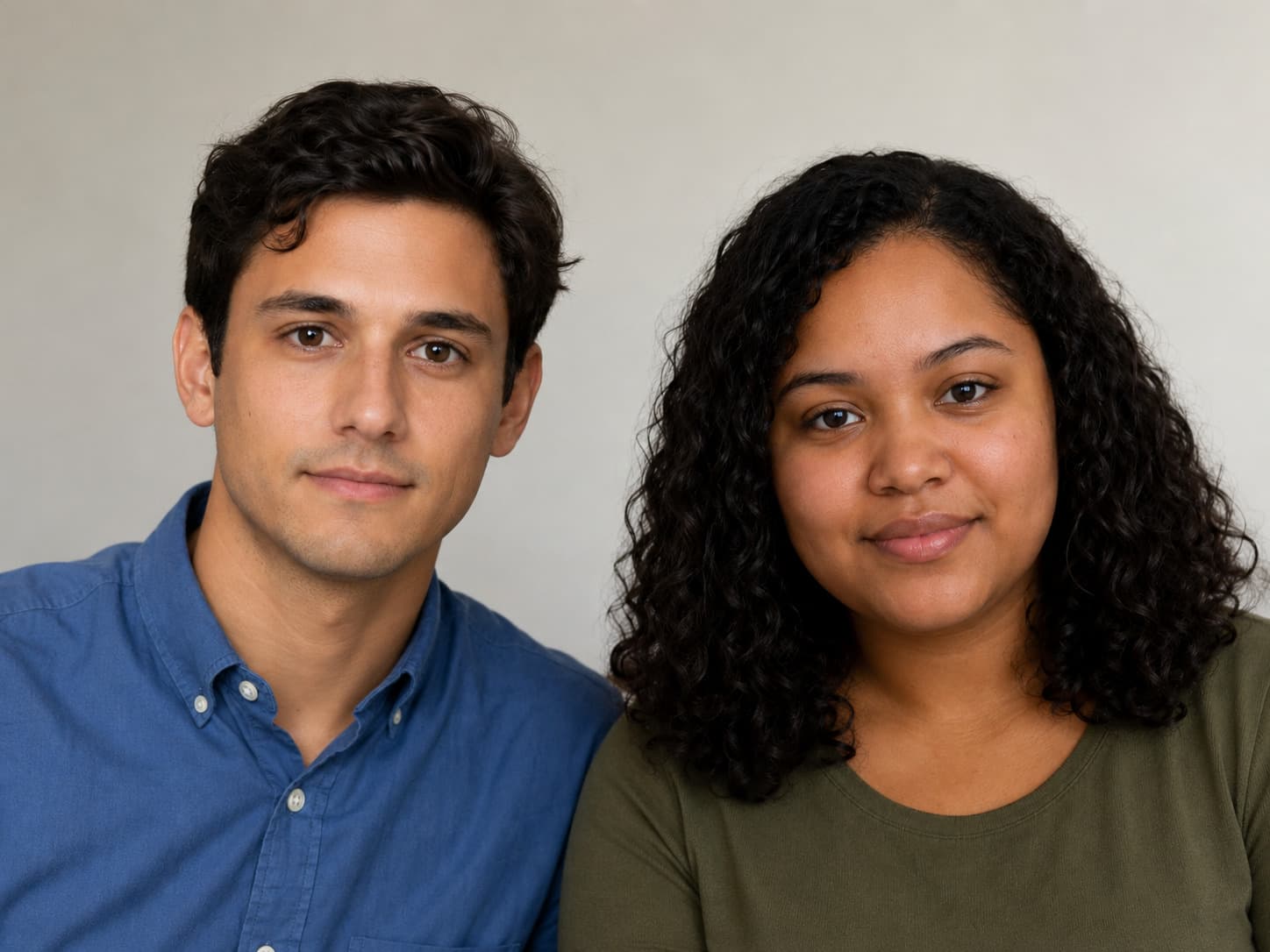
2 faces
UnsafeWhy? Blake is Excluded and confidently matched.

3 faces
ReviewWhy? An unknown face was detected - flagged for human review.
Consent list
Illustrative. The same logic runs on your device with no network calls.
 Alex
Alex Blake
Blake Casey
Casey Unknown
How it works
Add the people whose consent you're tracking. A few photos each is enough.
Point the app at a folder or take a photo. It detects and recognises every face.
Each photo lands in one of three buckets: Safe, Unsafe, or Review.
Cover non-consenting faces, export, post.
Every step runs locally on the phone - no internet required.
Compliance posture
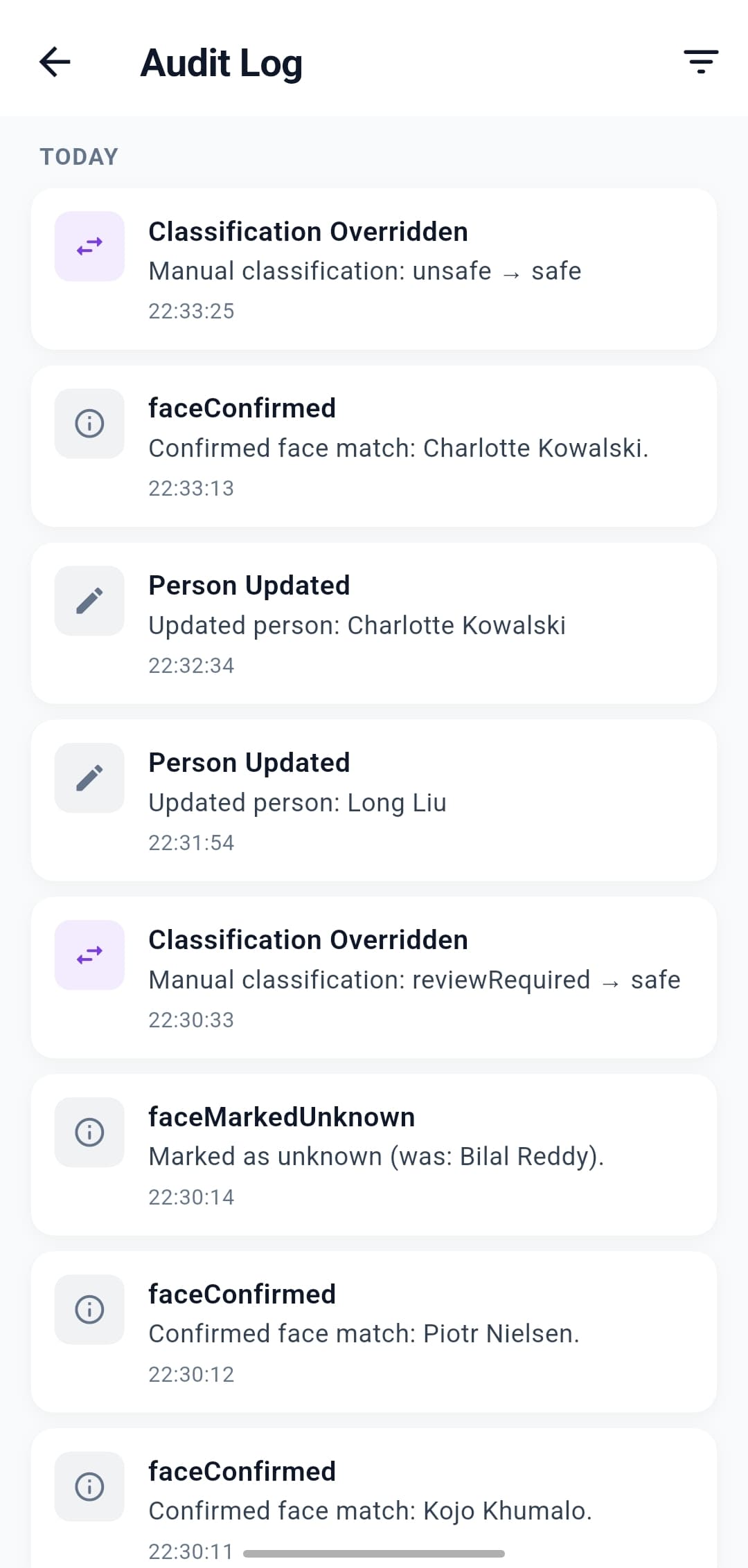
FaceGate is built against the Australian Privacy Principles and the WA Privacy and Responsible Information Sharing Act 2024. All biometric data stays on-device - no cloud upload, no cross-border transfer, no central store to breach. Every action is timestamped in the on-device audit log.
Your photo is checked right here on your phone. It’s never uploaded or sent to the internet.
Where it fits
Tell us about your photo-screening situation - we'll be in touch within two business days.